
Digital invitations, beautifully considered
It starts with a beautiful invitation.
The anticipation. The people. The feeling of being invited. Make your next occasion personal, from the very first moment.
Before the music. Before the toast. The invitation. A small thing that makes it feel like an occasion.
Thoughtful design for the moments you want to share. Beautiful on the screen, personal in every detail.
02 / The considered collection
A little different.
Entirely you.
Six new editions. Distinct personalities. Beautiful typography, carefully chosen colours and room for your own story.
Together with our families
Amelia&James
invite you to celebrate their wedding
Saturday · 16:00
Villa Balbiano · Lake Como
Maison
Wedding
A night worth staying up for
Thirty, beautifully
An evening for all my favourite people
Sunday · 19:30
The Glasshouse · Copenhagen
After Hours
Birthday
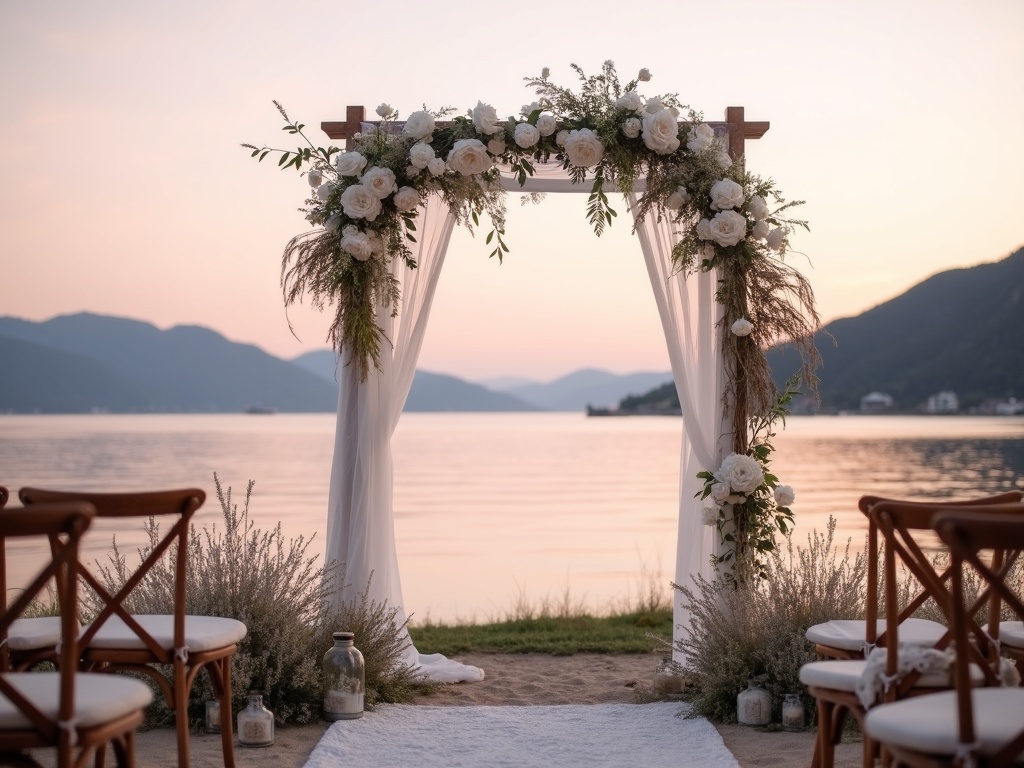
A celebration of love
Sofia&Oliver
and a lifetime of little moments
Sunday · 15:00
The Orangery · Stockholm
Lumière
Wedding
An invitation to connect
Good company
Ideas, conversation and a seat at the table
Thursday · 18:00
Studio 24 · Oslo
Convivio
Corporate
Twenty years of us
Elena&Luca
a garden dinner with the people we love
Saturday · 17:00
The Secret Garden · Bergen
Le Jardin
Anniversary

A little celebration
A table for us
Join us for birthday lunch
Sunday · 13:00
At home · Jessheim
Sunday Kind of Love
Birthday

03 / Beautifully practical
A beautiful beginning.
An effortless rest.
The design gets them excited. The details bring everyone together. Invitations, replies and shared photographs, all in one place.
- 01
Shareable links
Every invitation gets a clean venito.io link. send it via WhatsApp, email, or SMS.
- 02
Real-time RSVP
Guests respond with one tap. You see attending, maybe, and declined counts update live.
- 03
Live photo gallery
Guests upload photos straight from the invitation link. Project the live gallery on a screen at the event. every shot people share appears in real time.
You are warmly invited
Amelia & James
18.09.2027 / LAKE COMO
Will you celebrate with us?
Try the preview. No reply will be sent.
A first impression, made personal.
04 / How it works
Your occasion.
Your signature.
- 01
Pick a template
Start from 100+ designs for weddings, birthdays, corporate events. or begin from a blank canvas.
- 02
Make it yours
Add the event details, photos, and tune colors and fonts. Preview every change instantly on desktop and mobile.
- 03
Share the link
Publish and get a clean venito.io/you link. Share it anywhere. guests RSVP in seconds, no account needed.
05 / FAQ
Questions, answered
Is Venito really free?
Yes. creating, sending, and tracking invitations is free for personal events. Premium templates and removing the Venito badge are available on paid plans.
Do my guests need an account to RSVP?
No. Anyone with the invitation link can respond in seconds. No sign-up, no app download required.
Can I edit the invitation after I've shared the link?
Absolutely. Changes to the invitation update instantly for everyone who has the link. no resending needed.
Which languages does Venito support?
Venito supports English, Norwegian, Spanish, Arabic and Persian, including full right-to-left support for Arabic and Persian.
Do I need the mobile app?
No. You can create invitations and manage guests in your browser today. Our iOS and Android app is coming soon. Guests can always open invitations and reply without installing an app.
Can I make an invitation private?
Yes. you can keep it link-only (not indexed on search engines) or protect it with a password.
For whatever comes next
Give them something
to look forward to.
Create free invitationFree to start. No credit card. Your first invitation takes about three minutes.